Golden Gate Bridge — 3D Cinematic
3DThree.jsWebGL
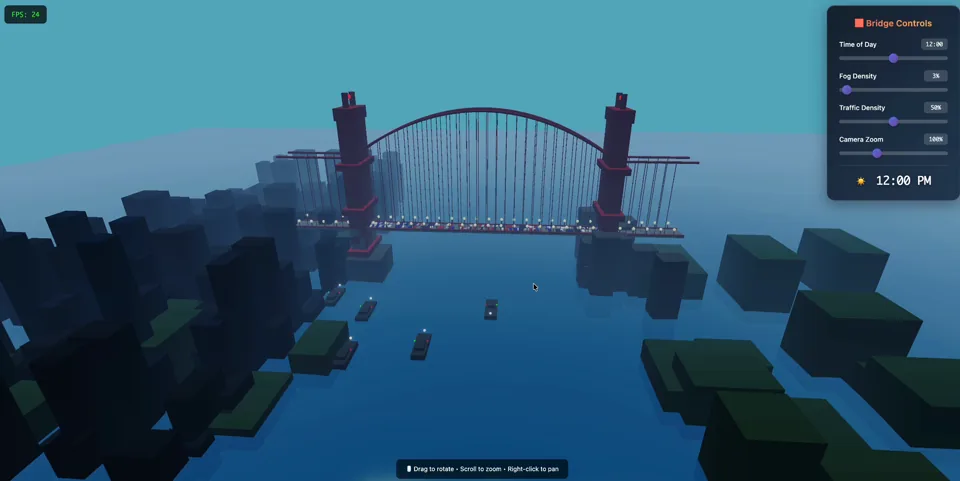
High-fidelity Three.js scene with time-of-day, fog, water shader, traffic, ships, and birds. Designed for smooth ~60 FPS.
Read articleUse OpenGame to generate, edit, preview, and download HTML5 or 3D browser game projects from a prompt. Start with quick demos, then build in Studio and publish or share the result.
Two standout demos you can play instantly and remix with the original prompts.
Sign in to unlock · no credits
High-fidelity Three.js scene with time-of-day, fog, water shader, traffic, ships, and birds. Designed for smooth ~60 FPS.
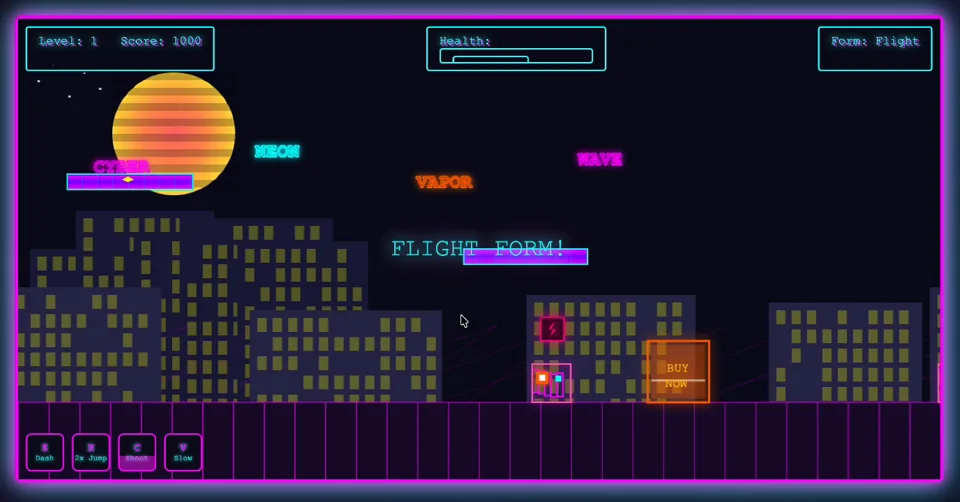
Read articleA polished side-scroller vibe: neon night city mood, parallax layers, enemy patterns, and power-up forms.
Read articlePlay the new showcase bundle, inspect the prompts, then generate your own variant in minutes.


Place turrets, route power, and hold a sci-fi outpost against enemy waves.


Dodge gates, collect charge, and boost through a luminous 3D tunnel racer.

The AI game generator now has two clear Agent-backed paths: 2D Game for a single-file prototype, and 3D Game for a complete Studio project package.
Use this AI Game Generator block as the 2D path: describe a simple idea and OpenGame routes it to the Free Game Agent. For richer 3D project bundles, use the 3D Agent in Studio.
Sign in to unlock daily free generation
Share to unlockGeneration usually takes 1–2 minutes. Please keep this page open while we build your game.
Use the 3D Agent for voxel, racing, RPG, simulation, and browser-friendly 3D ideas. OpenGame stores the run and mirrors artifacts for preview, ZIP download, files, and continued editing in the same Studio chat.
Play what others built, read the prompt, then remix into your own version.
Cinematic Three.js scene with fog, water, traffic, ships, and birds.
Neon side-scroller with parallax layers, enemies, and power-up forms.
Fast tunnel racing demo with rhythm obstacles and neon speed lines.
Grid placement, tower upgrades, and readable wave pressure.
Arcade space shooter with burst fire, shields, and wave pacing.
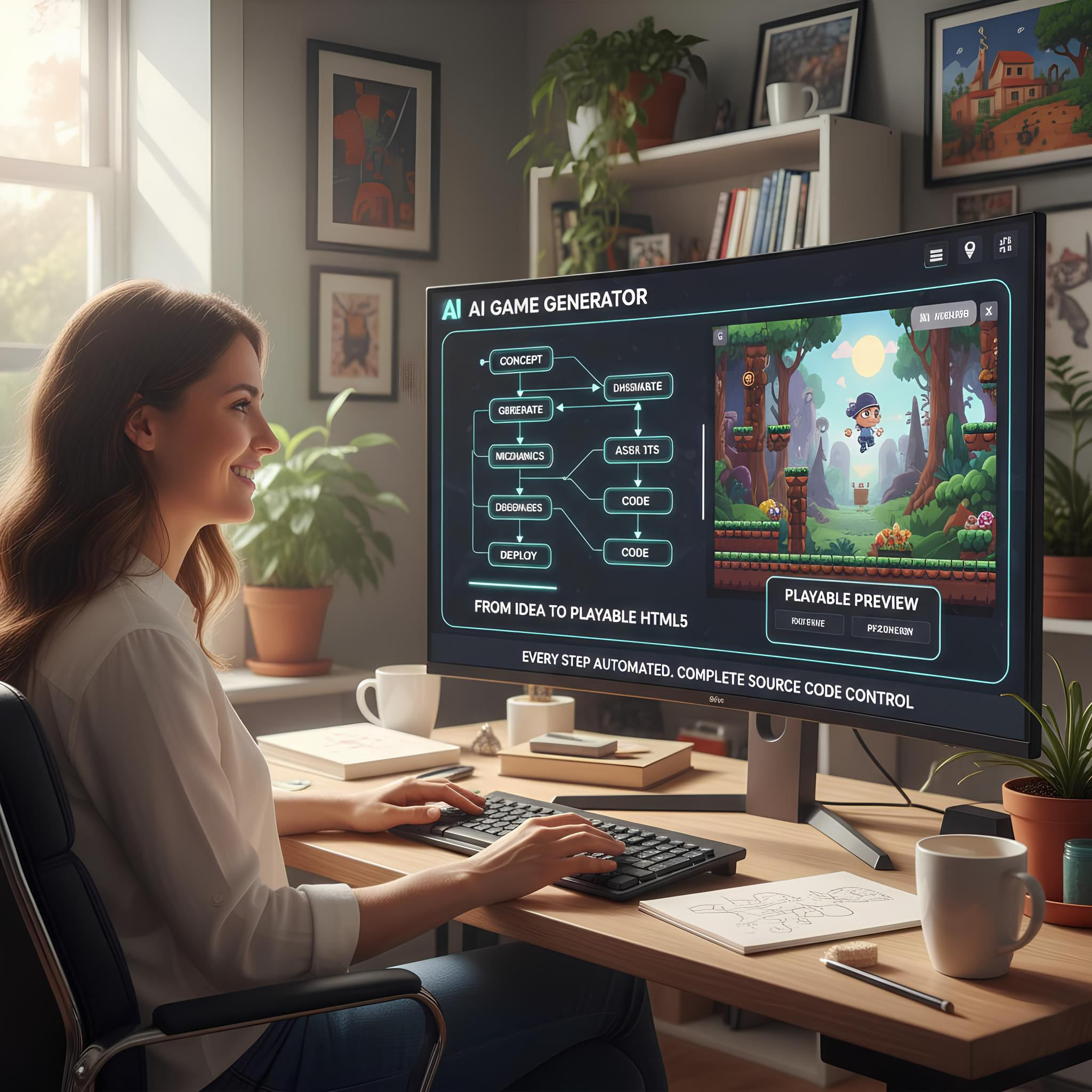
OpenGame keeps the AI Game Generator keyword path while staying a thin shell: use the homepage 2D path for a fast single-file game, or open Studio for Agent-backed 3D browser-game bundles you can preview and download.
Use the homepage generator when you need a lightweight HTML5 game from one prompt, ready to play in the browser and share.
Open OpenGame Studio for saved runs that route to the selected Agent, then preview and download the mirrored project bundle.
Start from platformer, shooter, puzzle, racing, arcade, and strategy patterns instead of designing every mechanic from scratch.
Use the 3D Agent for richer ideas such as voxel worlds, runners, RPG prototypes, simulations, and browser-friendly 3D scenes.
Keep the simple generator for quick tests, then move stronger ideas into OpenGame Studio when you need iteration, preview, files, and downloadable project bundles.

Choose the right build path first, then use the AI game generator or OpenGame Studio to turn the idea into something playable.
Use the 2D Agent for a simple browser game. Use the 3D Agent when the idea needs a fuller project package.
Write the genre, controls, visual direction, win condition, and any required 2D or 3D behavior before generation starts.
Play the output, check whether the mechanics make sense, then adjust the prompt or let Studio continue the iteration.
Keep the best HTML files or ZIP bundles, then use verified games as future homepage examples and product demos.
Use the AI game generator to combine prompt tooling, asset controls, and monetisation-ready exports in one dashboard.
Smart prompt enrichment inside the AI game generator creates balanced difficulty, scoring, and control schemes for your audience.
Access a growing library of platformer, shooter, puzzle, racing, arcade, and strategy templates fine-tuned for the AI game generator.
Generate instructions and UI text in English or Chinese automatically, matching the language you provide the AI game generator.
Download each AI game generator build as a single HTML file ready for hosting, embedding, or further editing.
Instrument events or connect Creem upsells using the integration helpers bundled with the AI game generator. Additional PSP integrations are planned.
Use AI game generator output as a baseline and extend it with React, Phaser, or your favourite frontend framework.
Receive occasional product updates and compliance notes from AI Game Generator. We never share your email, and you can unsubscribe anytime.
Need extra help with the AI game generator? Email support@opengame.app and we respond within 3 business days.
Still unsure? Contact us via support@opengame.app and we'll walk you through the current beta workflow.
2D is the fastest way to test a game idea. The homepage Generator uses daily and share-based free Generator Credits, while OpenGame Studio uses Studio Credits for Agent-backed 3D projects with browser preview and ZIP download.